Smart-Home Retractable Screens
What integrating retractable screens with Alexa, Google Home, Control4, Crestron or Lutron actually involves, what automation is genuinely useful, and where the limits are.

Automating a retractable screen is straightforward on the technical side and easy to overthink on the practical one. The systems integrate readily with the major platforms; the more useful question is which automations genuinely earn their setup.
What Integration Involves
Motorized screens are controllable by handheld remote, wall switch, smartphone app, or voice assistant. Integration with a broader home system happens through the motor's own control layer — typically Somfy — which the major platforms already speak.
Voice assistants. Alexa and Google Home handle direct commands: raise, lower, and named scenes.
Whole-home systems. Control4, Crestron and Lutron integrate at a deeper level, letting screens participate in scenes alongside lighting, shades and audio.
Where a home already runs one of those platforms, the screens join what exists rather than adding a separate app. Where it does not, the app and wall switch are perfectly sufficient — a whole-home system is not a prerequisite.
Automations That Are Actually Useful
Three earn their place. Most of the rest are novelty.
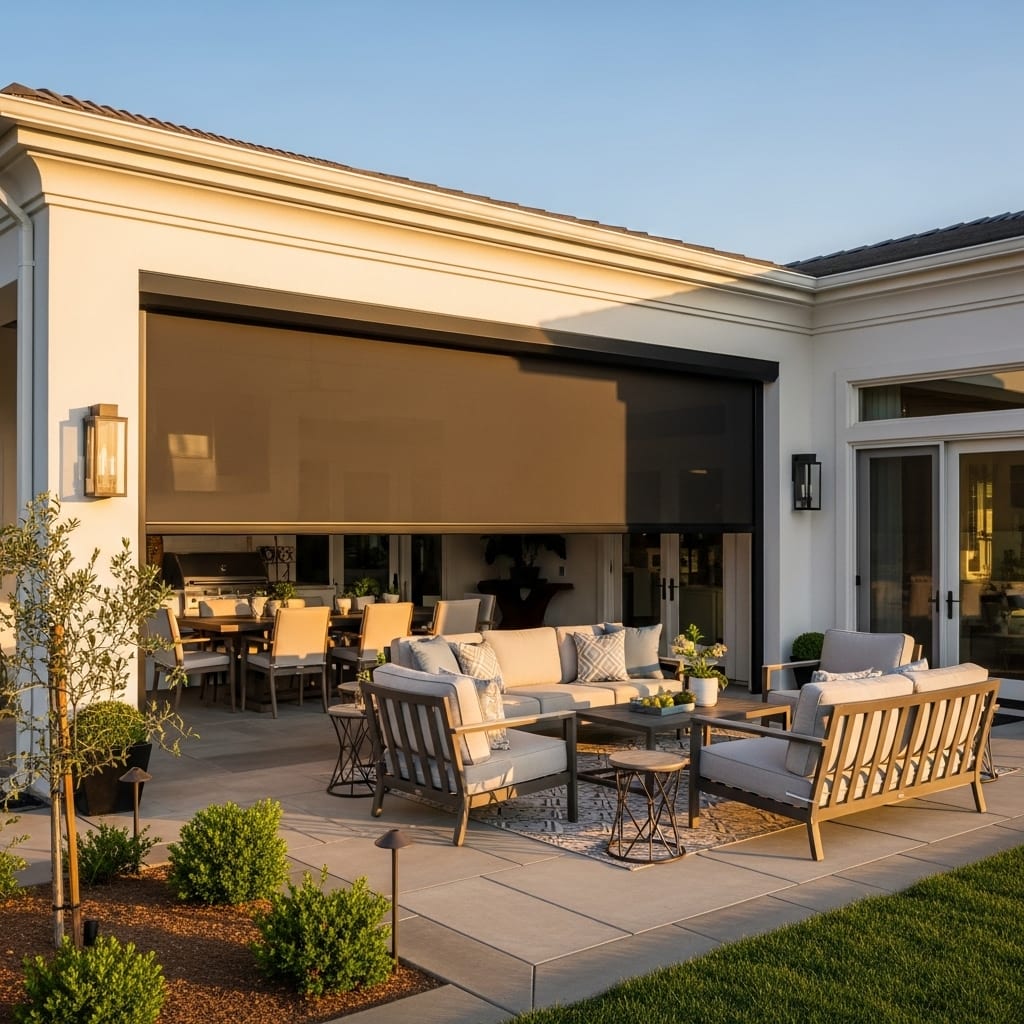
Wind retraction. The one that matters. A wind sensor retracts the screen automatically when gusts reach a threshold, protecting it when nobody is home. On an exposed site this is protective rather than convenient, and it is the strongest single argument for a powered system in this region.
Sun-triggered lowering. A sun sensor drops the screen when light on the opening passes a threshold, managing heat and glare on west-facing spaces before the room becomes uncomfortable rather than after.
Scene integration. Where the screens join an existing evening scene alongside lights and music, they get used more, simply because using them costs nothing.
Automations That Sound Better Than They Work
Worth being honest about, because these get sold and then disabled.
Time-of-day schedules. A screen that lowers at six every evening is right on the days conditions match and wrong on the rest. Sensors respond to what is actually happening; clocks do not.
Temperature triggers. Appealing in principle, but the temperature at a sensor rarely reflects how the space feels. Sun and wind drive comfort on a patio far more than ambient temperature does.
Geofencing. Screens that deploy when you arrive home sounds useful and mostly is not — you may be arriving in wind, or in rain, or not going outside at all.
The pattern is that automations responding to real conditions work, and automations guessing at intent do not.
Where the Limits Are
Power dependency. A motorized screen needs power to move. In an outage it stays where it is, which is worth thinking about on an exposed site — a storm that takes out power while the screen is deployed leaves it deployed.
Network dependency for app and voice. The wall switch works regardless, but app and voice control depend on your network. It is worth keeping a physical control rather than relying entirely on phones.
Integrations drift. Platform updates, app changes and network reconfigurations occasionally break a working integration. Usually a re-link rather than a fault, but it is why the wall switch matters — the screen should always be operable without troubleshooting.
Setting It Up Properly
Two things are worth getting right at installation rather than afterwards.
Wall switch placement. The switch is the control people actually use daily, so it should sit near the door they use to reach the space, at a sensible height, and not behind furniture. This is decided during the measurement, and it is much easier to place well then than to relocate later.
Sensor positioning. A wind sensor has to sit where it reads the wind actually hitting the screen. Mounted in a sheltered pocket, it under-reads and does not trigger when it should. Sun sensors likewise need to read the light on the opening rather than on a wall around the corner.
Who Does the Integration Work
A question worth settling early, because it falls between two trades.
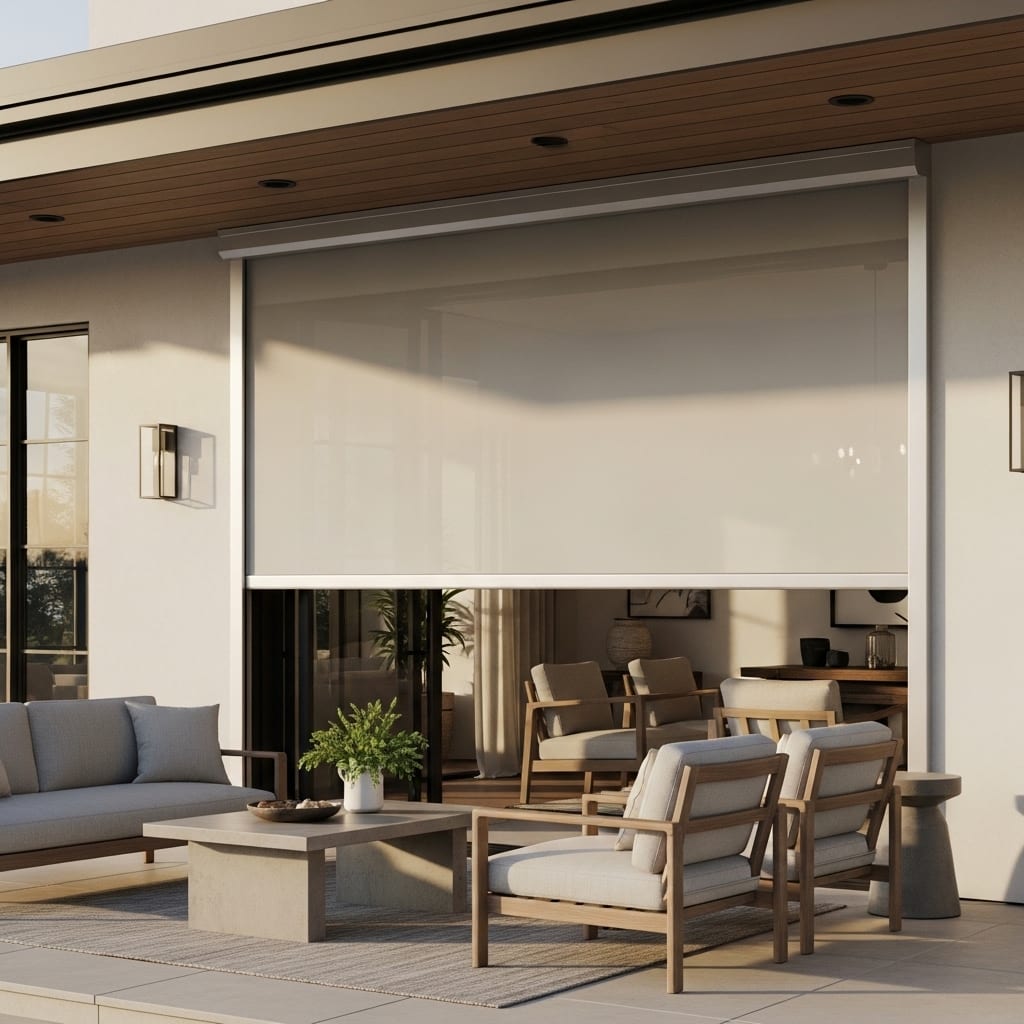
The screen installation includes the motor, the wall switch and the wiring to support them, plus any sensors specified. That is the point at which the system is working and operable — switch, remote, and the manufacturer's own app.
Linking it into a broader platform is where the boundary sits. Voice assistant setup is usually straightforward and most homeowners do it themselves. Integration into Control4, Crestron or Lutron is typically handled by whoever maintains that system, since it involves their programming rather than the screen's.
What matters practically is that the screen arrives fully functional either way. Automation is layered on top of a working system, not a prerequisite for one — and if the integration is never done, nothing about the screen stops working.
Living With It Day to Day
The pattern most households settle into is worth knowing before you over-specify.
The wall switch handles the large majority of operations, because it is on the way out to the space and takes no thought. Voice gets used when hands are full. The app gets used away from home, mostly to check the screen is up rather than to move it. The remote gets lost.
Sensors, once positioned correctly, become invisible — which is the point. A wind sensor that has been doing its job for two years is one nobody has thought about, and the owner may not realise how many times it has retracted the screen while they were out.
The practical takeaway is to spend effort on switch placement and sensor positioning, and treat the rest as a bonus rather than the reason to motorize.
Multiple Screens on One Space
A wide patio divided into bays has a screen per bay, and how those are controlled is worth deciding deliberately.
Grouping them so all bays operate together is the usual default and is right for most spaces. Individual control is better where bays face different directions — a west bay wanting solar mesh down at four o'clock while the north bay stays open.
Most installations end up with both: a group command for everyday use and individual control available when conditions differ across the space.
Retrofitting Automation to an Existing Screen
Two versions of this question come up, and they have different answers.
If you already have a motorized screen and want to add voice or platform control, that is usually straightforward — the motor's control layer is already there, and linking it to Alexa, Google Home or a whole-home system is a configuration task rather than hardware work.
If you have a manual screen and want to motorize it, that is not a retrofit. The track, tensioning and housing on a powered system are specified for motorized travel from the outset, so converting means replacing the system rather than adding a motor to it.
The practical implication is worth acting on: if there is a realistic chance you will want powered operation on a large opening, specifying it at installation costs considerably less than deciding in three years. This comes up most on covered patios, which tend to get used more heavily over time than owners initially expect.
What It Costs
Smart control is part of the motorized system rather than a separate product. Motorized large-opening screens start at $5,400 installed against $4,200 manual, including installation, custom fabrication and the warranty — limited lifetime on components, 7 years on the motor, 24 months on labor.
Sensors are specified per installation. Where a home already runs Control4, Crestron or Lutron, integration is configuration rather than additional hardware.
Full pricing is in What Phantom Screens Cost.
Next Steps
For the broader motorized picture, read Motorized Retractable Screens: A Complete Guide. For the cost comparison against manual, see Motorized Retractable Screen Pricing.
Request a free quote and a specialist will work through control placement and sensor positioning alongside the screen itself.
Starting prices are current for Phantom Screens of Twin Falls and include professional installation. Final pricing is confirmed after an in-home measurement.
Frequently Asked Questions
Do retractable screens work with Alexa and Google Home? Yes. Motorized screens support voice control through both, alongside remote, wall switch and app control.
Can they integrate with Control4, Crestron or Lutron? Yes. Where a home already runs one of those platforms, the screens join existing scenes rather than requiring a separate app.
Which automations are actually worth setting up? Wind retraction above all, sun-triggered lowering on west-facing spaces, and scene integration. Time-of-day schedules and geofencing tend to get disabled because they guess at conditions rather than reading them.
What happens if the power goes out? The screen stays where it is. On exposed sites that is worth planning for, since a storm that cuts power while the screen is deployed leaves it deployed.
Do I need a smart-home system to have motorized screens? No. A wall switch and remote are entirely sufficient. Integration is an option, not a requirement.
Where should the wall switch go? Near the door you use to reach the space, at a normal switch height, clear of furniture. It is the control that gets used daily, and placing it well is easier at installation than later.
Tags
Written by
Phantom Screens of Twin Falls Team
Custom retractable screen solutions for homes across Idaho and Western Wyoming.
Related Articles

Pet-Resistant Retractable Screens
What pets actually do to screens, how pet-resistant mesh and mesh retention differ, which of the two you need, and what each costs.
Screen Mesh Options Explained
Insect, solar, privacy, no-see-um, pet-resistant and clear vinyl — what each does, what it trades away, and how to match one to a specific opening.

Retractable Screens for Large & Oversized Openings
Openings past 96 inches need a different system. What covers up to 15 feet wide and 12 feet high, how spans divide, and what oversized systems cost.
Interested in Retractable Screens?
See real prices for retractable door screens, installation included. Window and specialty openings are quoted after a $19.99 on-site measurement.
Get Started